Automation with HTTP API
HTTP API allows you to run common NAKIVO Backup & Replication commands outside of the product web interface.
The API is JSON-RPC based. For detailed request and response syntax, refer to API Reference.
API Explorer
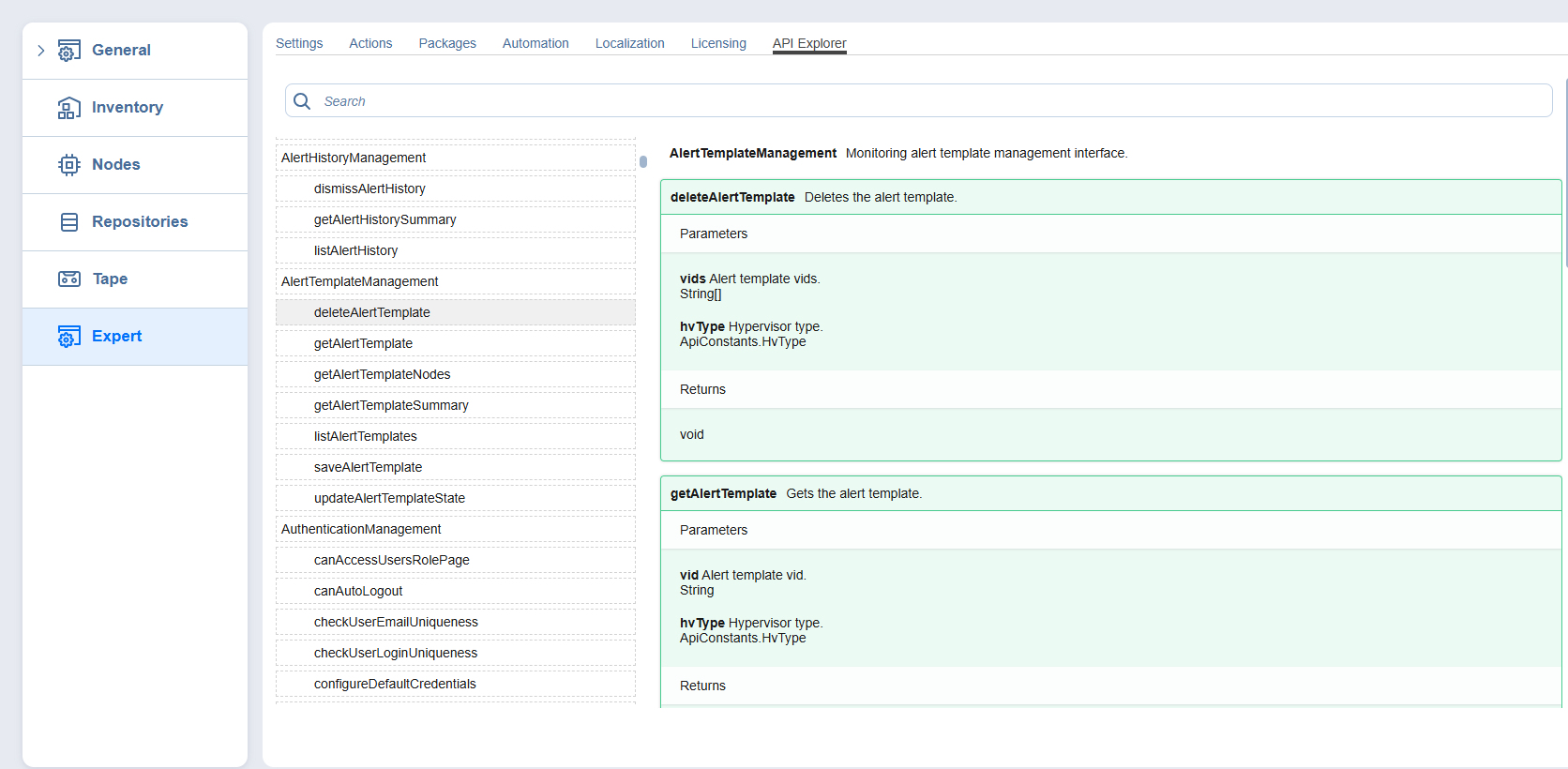
API Explorer is a built-in reference to the HTTP API of your NAKIVO Backup & Replication instance. It lists all available API services and methods with their descriptions, options, and return values, and matches the product version that you are running.
Use API Explorer to look up a method and its signature. To send API requests, use an external client.
Opening API Explorer
-
Log in to your NAKIVO Backup & Replication instance as a master admin.
-
Add the word "expert" to the URL parameters of the Settings page.
Example:
https://localhost:4443/c/configuration?expert -
Click the Expert tab.
-
Click the API Explorer tab.
Browsing Services and Methods
The left pane lists all API services in alphabetical order, each with its methods. Click a method to open its card in the right pane.
To find a service or method by name, enter the name in the Search box.
Reading a Method Card
Each method card contains the following:
-
The method name and a description of what the method does.
-
Parameters: the name, description, and data type of each input option. Methods that take no input have no Parameters section.
-
Returns: the description and data type of the value that the method returns.
For common tasks, the API Reference provides complete request and response examples.
Note
Expert mode is intended for advanced configuration. Changes that you make on other Expert tabs can affect product behavior.